AI Girlfriend Photo Generator: Why In-Chat Photos Win
The Scorecard: Five Rows That Decide an AI Girlfriend Photo Generator
Most AI girlfriend photo generators hand you a stranger with every click: new face, new body, same outfit prompt. The ones worth paying for do the opposite, and the scorecard below shows where the two kinds split.
| Row | GoLove.ai ⭐ | Companion app with image add-on | Standalone NSFW image generator |
|---|---|---|---|
| Face consistency across photos | ✓ one saved character | partial | ✗ new face per run |
| In-chat photo requests | ✓ Request Photos in Chat | partial | ✗ no chat at all |
| Preset control (action/outfit/scene + batch) | ✓ 35 poses, 21 outfits, 34 backgrounds, batches of 2/4/8 | partial | partial (free text only) |
| Photo-to-video | ✓ from her generated stills | ✗ usually | partial |
| Custom character builder | ✓ Realistic, Anime, Trans + Design with AI | partial | ✗ |
| Entry friction | Low: Explore opens a chat instantly | Medium | Low, but you have to learn prompting |
GoLove.ai is my pick, and on the rows that matter it isn't close. Every photo is the same girl, and she sends them from inside the chat you're already in. Standalone generators do win on raw prompt freedom (type anything, get anything, as long as you can phrase it, and that "as long as" is bigger than people admit).
Explore takes you from a character's card straight into her chat. You could be asking for her first photo right now instead of reading another comparison, this one included.
In-Chat Photo Requests: The Row Standalone Generators Can't Fill
That's the whole gap: a standalone generator has no idea what you just said to her. (For the wider picture of which apps handle the chat side well, see our guide to kinky AI chat apps and what each does well.)
SHE DECIDES WHAT YOU SEE
Photos arrive only when she wants.
Asking for a Photo Mid-Conversation
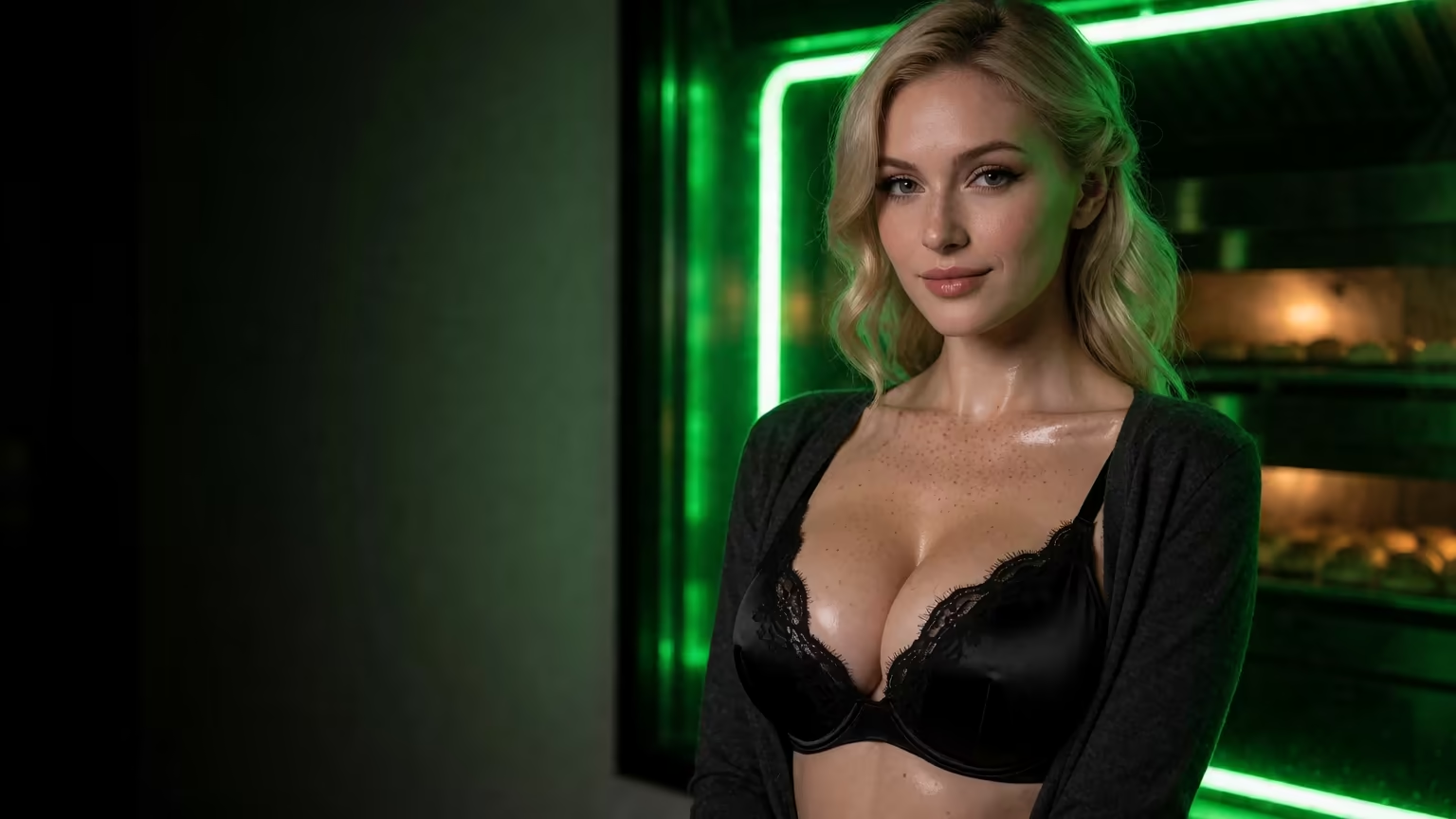
Say I'm deep in a flirty back-and-forth with Melissa, the redhead whose entire bio is "hard to forget." Request Photos in Chat sits inside the thread, so I ask her right there. No second tab, no retyping a description into a prompt box. The photo lands in the conversation, right under the messages that led to it, so it fits the moment we were just in.
Why the Same Face Matters More Than Resolution
I'll take a photo of the girl I've been talking to over a razor-sharp render of a stranger every time. Companion apps that bolt an image tool onto the side often let her face drift between shots, and every new picture chips away at the illusion. GoLove pulls every photo from one saved character, and the per-character Gallery sorts them by date. You end up with a history of her rather than a random pile of pictures.
Preset Control: Stacking Action, Outfit and Scene Instead of Prompting
If you've ever spent twenty minutes fighting a prompt box for one decent picture, this row is for you.
Stacking Action + Outfit + Scene
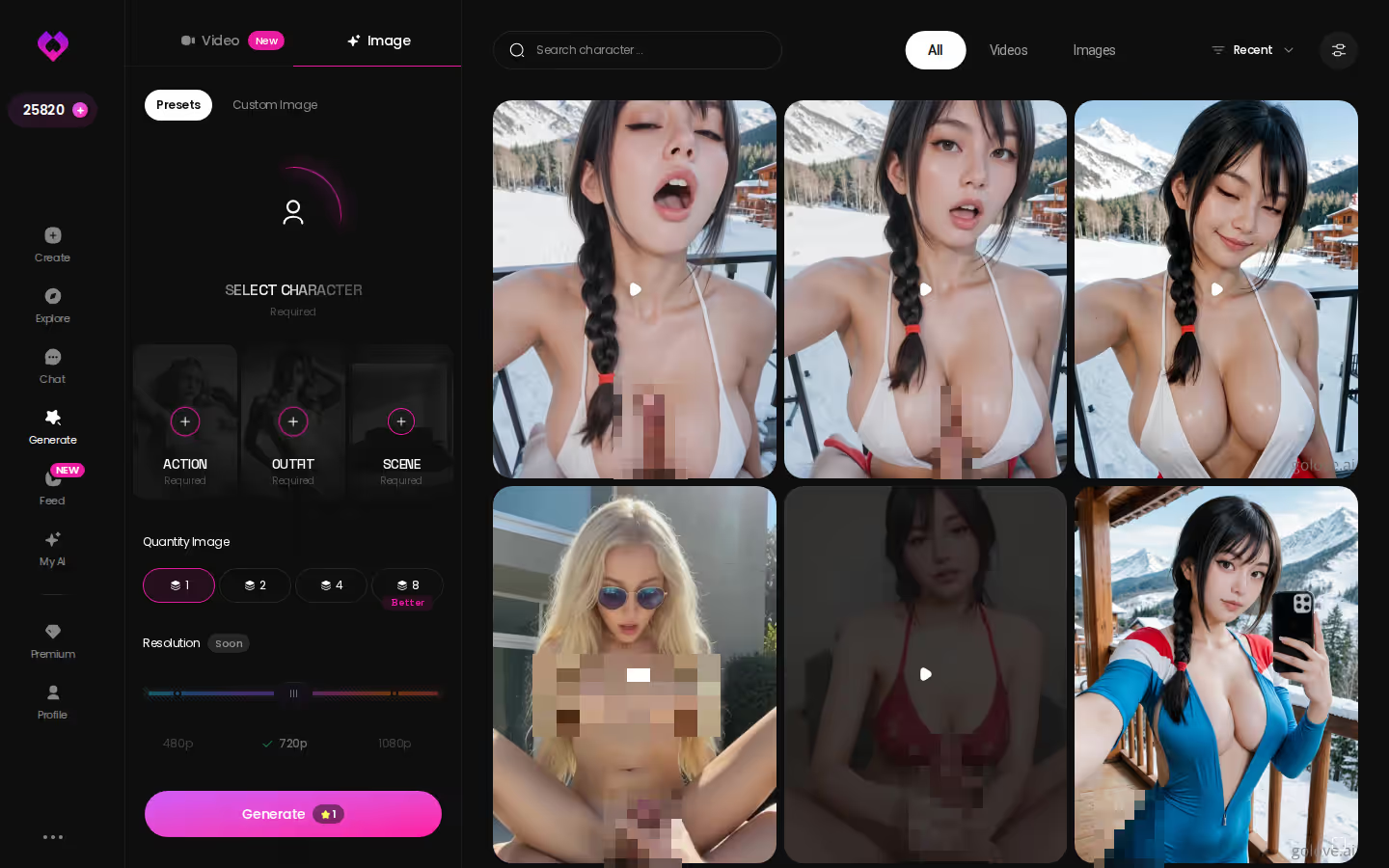
Image mode swaps prompt syntax for visual preset cards you stack together:
- Open Generate and switch to the Image tab.
- Choose your character with the avatar swap in the top-right corner.
- Pick a pose from 35 realistic options, then an outfit from 21 and a background from 34. Each category also has a custom option.
- Set a batch size and tap Generate.
Batch Size and When to Use It
Batches come in 2, 4 or 8 images. Stay small when you're changing a single detail, like swapping the outfit. For a brand-new pose, go to 8 so you have several takes to choose from, then keep the best one (photographers work the same way, and nobody calls that wasteful).
To be fair to the standalone tools, free-text prompting reaches weirder, more specific ideas than any preset list ever will. Presets give up some of that freedom for speed and a face that stays put. When she's your girlfriend, I'd take that trade every time.
Photo-to-Video: The Tie-Breaker Row
Photos are the main event, and most generators stop at the still. Video is where the tools really start to pull apart.
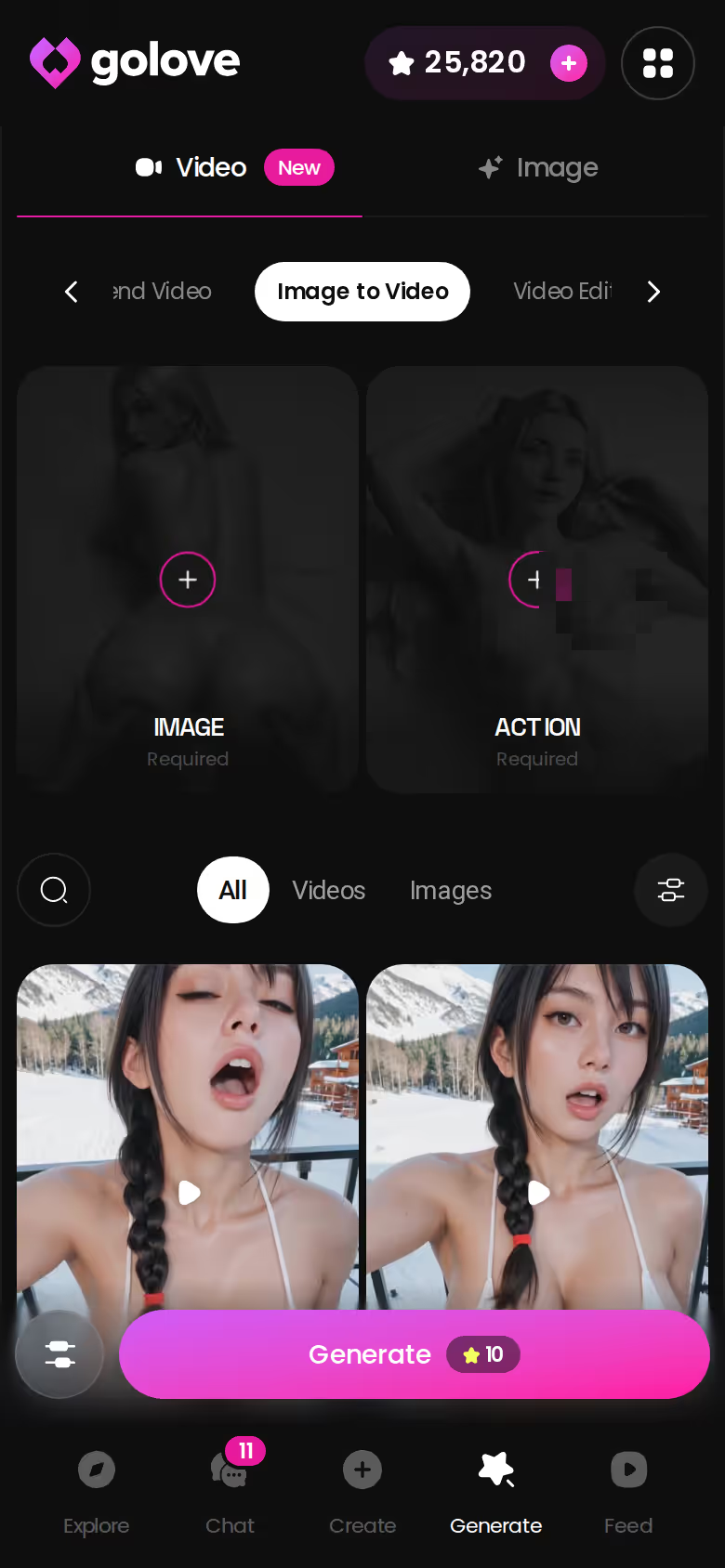
Image to Video: Pick a Photo, Get a Clip
Generate Video from Photo works right inside the chat: pick a still of your character and it animates into a short clip without you leaving the thread. Standalone generators that offer video usually start from a fresh prompt, which puts you back to rolling the dice on a face.
Characters you can open right now
Tap any of them and the chat starts there






Does the clip keep her face? It starts from a still GoLove already generated of the character you created or picked, so it starts from her.
Video Actions, the Feed and Remixing
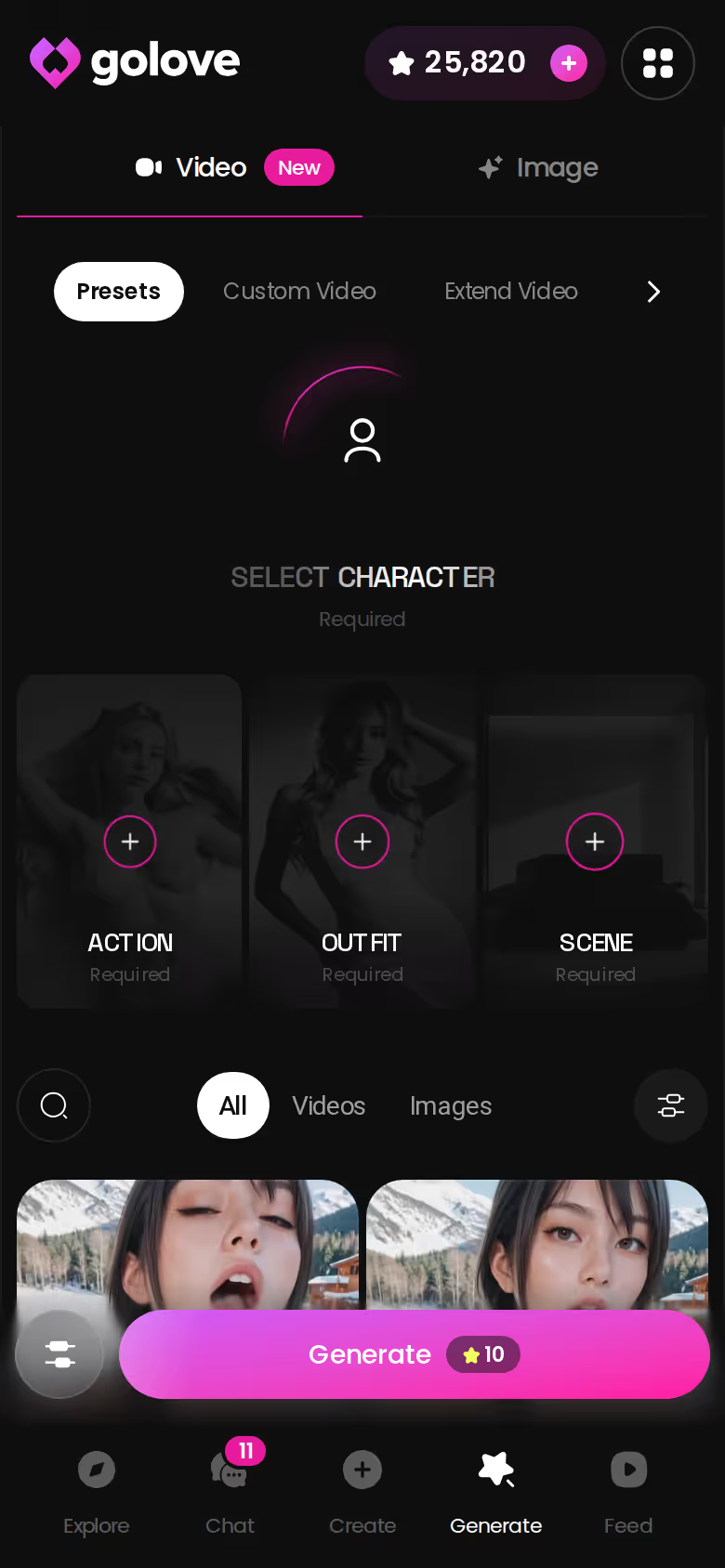
Video Actions in Chat opens a Select Action modal. Over in Generate, the Video tab builds clips from preset cards in one tap: an action (76 realistic video modes, such as "Hard Doggy Style" or "Twerk"), plus clothes and a background. It works with any GoLove character or one you built yourself.
Then there's the Feed, a TikTok-style vertical scroll of clips. Hit the magic-wand Remix on any clip and Generate opens with that clip's character and exact settings already loaded. Tweak them, or swap in your own girl (honestly wild how fast that is).
Build Your Own Girl Before You Generate Her
Every other row in the scorecard leans on this one. Without a saved character, "consistency" doesn't mean anything.
Picking Her Style in the Create Wizard
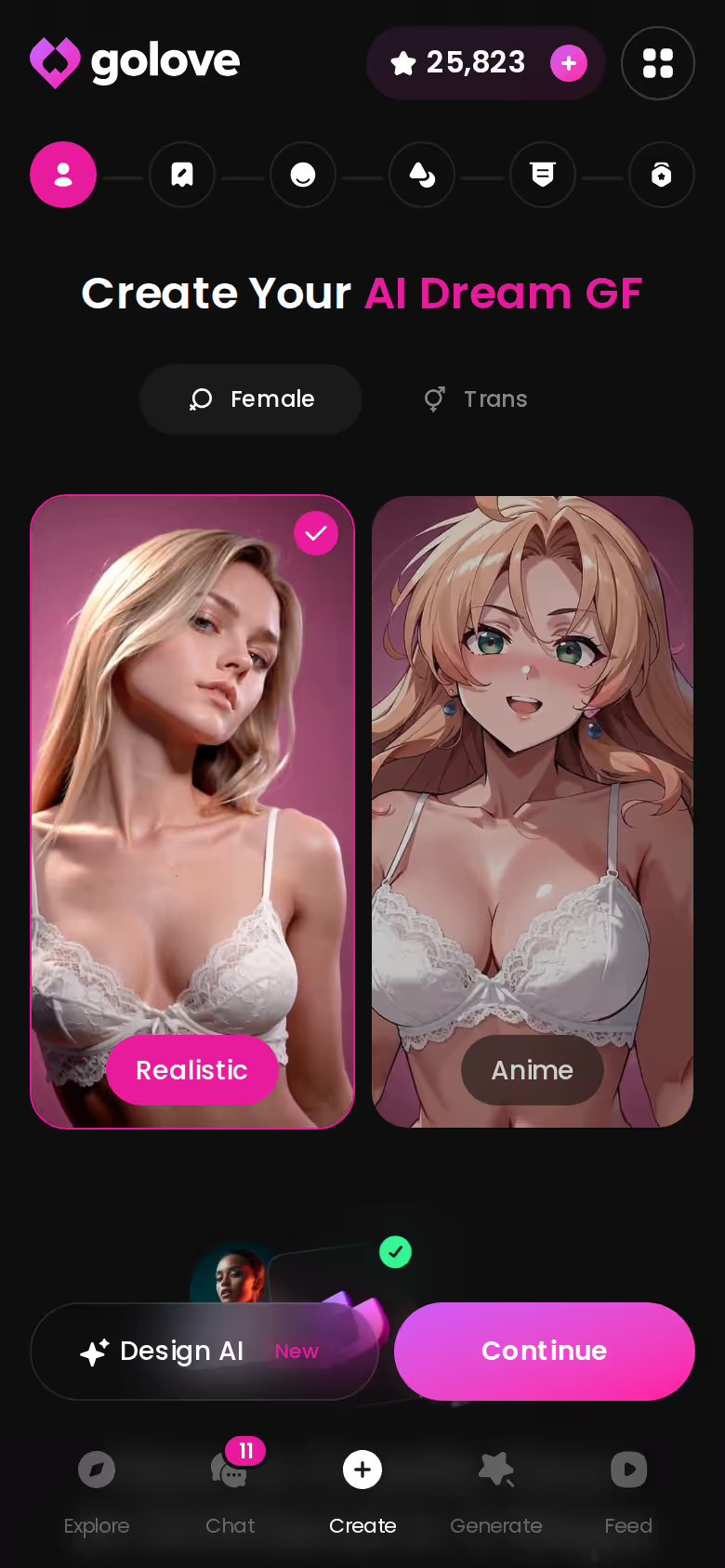
On mobile, the Create tab opens on a style choice: Realistic, Anime or Trans. Pick her look and hit Continue. Would you rather describe her than click through options? Design with AI turns a plain-text idea into a character.
Why a Character Beats a Prompt
A prompt is gone the second you use it. A character stays saved, so every later photo, chat reply and clip comes from her. Memory holds onto your history between photos, and voice calls let you hear her in real time, so there's a relationship behind the pictures. Companion apps with an image add-on often split these into separate tools that don't share context (underbaked, in my view).
SURRENDER TO HER SCENE
Any scenario, she sets every rule.
If you already know what she looks like, build her now. That way your first in-chat photo request is her, not someone off the shelf.
GoLove.ai's Free Tier: Where the Photo Limits Are
Here's the honest part: free gets you in the door, but it won't carry a heavy photo habit.
Myth vs. fact:
- Myth: She forgets you the moment the tab closes — Fact: Memory carries across chats — she keeps your details
- Myth: Voice is a gimmick you try once — Fact: Real-time voice calls with a voice per character, plus hands-free Live Mode
- Myth: Every "photo" is the same stock render — Fact: Images are generated in the chat — 35 poses and 21 outfits
- Myth: You have to pay before you can test anything — Fact: 2 reward stars land every day you log in
What the Free Tier Actually Gets You
- Explore lets you browse characters and open a chat straight from any profile.
- Generate is open to look around, so you can see the pose, outfit and background presets before spending anything.
- Daily stars: you get 2 free Stars every 24 hours, and Stars are what generation costs.
Where the Paywall Sits
Heavier image and video generation sits behind GoLove PRO or Star packs. The Feed gives free users a limited number of new clips per day, then shows an "Unlock Unlimited Feed" screen, and Feed filters are PRO-only. None of that is unusual for the category. Standalone generators ration credits too. They're just rationing them for strangers.
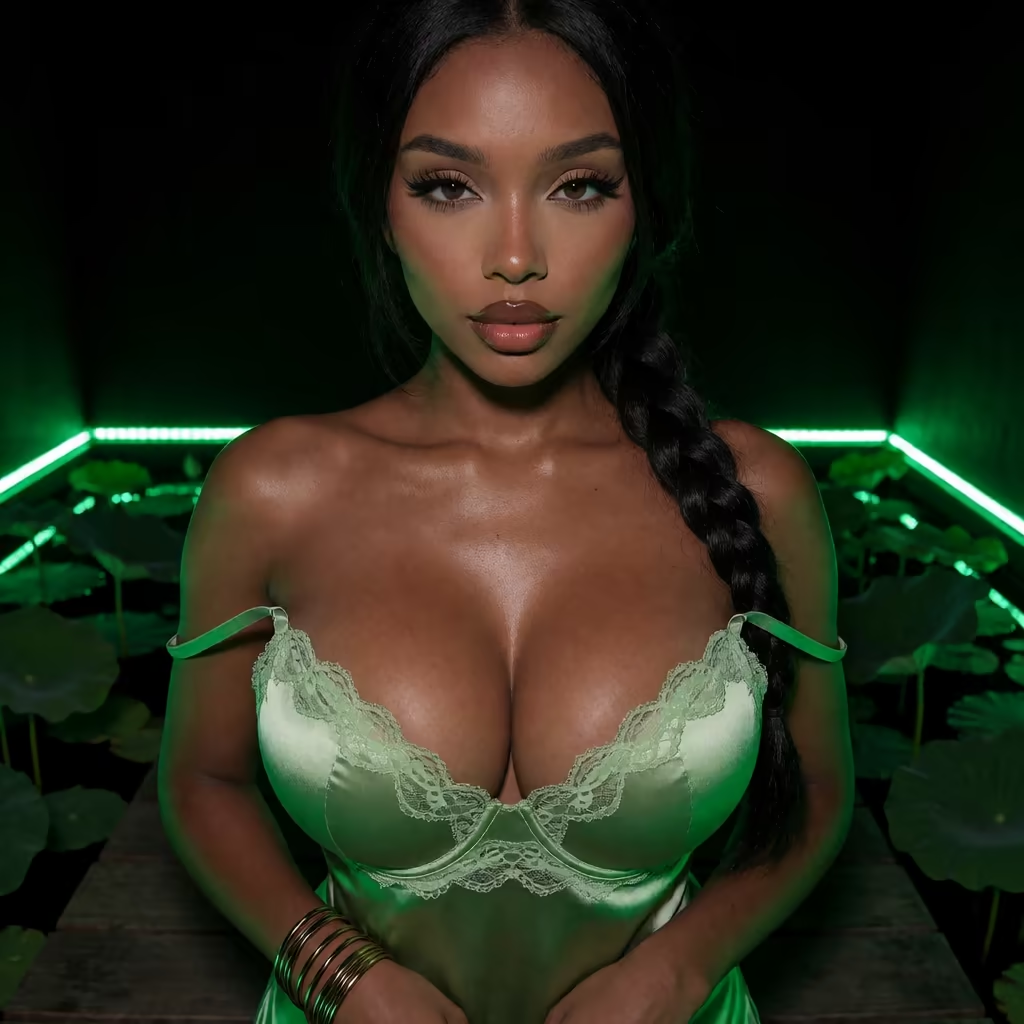
Why the Price You See May Differ
At the July 2026 check, PRO was about $19.99/month, and the annual plan worked out to roughly $9.99/month. Region changes that (some countries saw around $12.99), and so do promos, since both −50% and −70% banners have appeared. Trust the plans page over any blog, this one included.
The good news is that GoLove shows you the limits clearly before you spend anything.
Privacy and Consistency: A Checklist Before You Generate Anything
Before you sign up for any AI girlfriend photo generator, run it through this list:
- Consistency: does it keep one character's face across photos, or roll a new one each time?
- In-chat requests: can you ask for a photo mid-conversation, and does it land in the thread?
- Storage: where do generated images end up, a private per-character gallery or somewhere public?
- Deletion: can you delete images yourself, without emailing support?
- Paywall: can you see where free ends before you enter a card?
- Billing: is the name on your card statement discreet?
Measured against the scorecard, GoLove clears the first two outright. It passes the paywall check too: Stars sit in the header and the PRO upgrade banner is out in the open. Storage, deletion and billing you'll want to check yourself in the settings and checkout screens of any app, GoLove included (I'd rather you verify than take my word for it). Standalone generators breeze through the paywall check but fail the first two by design.
If you want the kink side of the chat and not only the pictures, here's how BDSM-focused AI chat handles roleplay and boundaries.
Rereading the Scorecard: Consistency, In-Chat Photos, Video
Back to the table, where four rows decided it.
Face consistency. Every photo comes from one saved character, so it's always the same girl. Standalone generators can't promise that when each run rolls a new face.
In-chat photo requests. The photo lands inside the conversation and fits what you were just talking about. Add-on companion apps get partway there, and pure generators don't have a chat to put it in.
Photo-to-video. Clips start from stills already generated of her, and 76 realistic video modes cover the action presets. It's a nice extra, but the photos are still the main event.
Custom builder. Realistic, Anime or Trans, or Design with AI if you'd rather describe her in words.
Standalone generators still win on prompt freedom. If you want a thousand different women, one of them does the job. You searched for a girlfriend, though, and a stranger is still a stranger however sharp the render. The presets (35 poses, 21 outfits, 34 backgrounds, batches of 2, 4 or 8) cover plenty of ground without a line of prompt syntax.
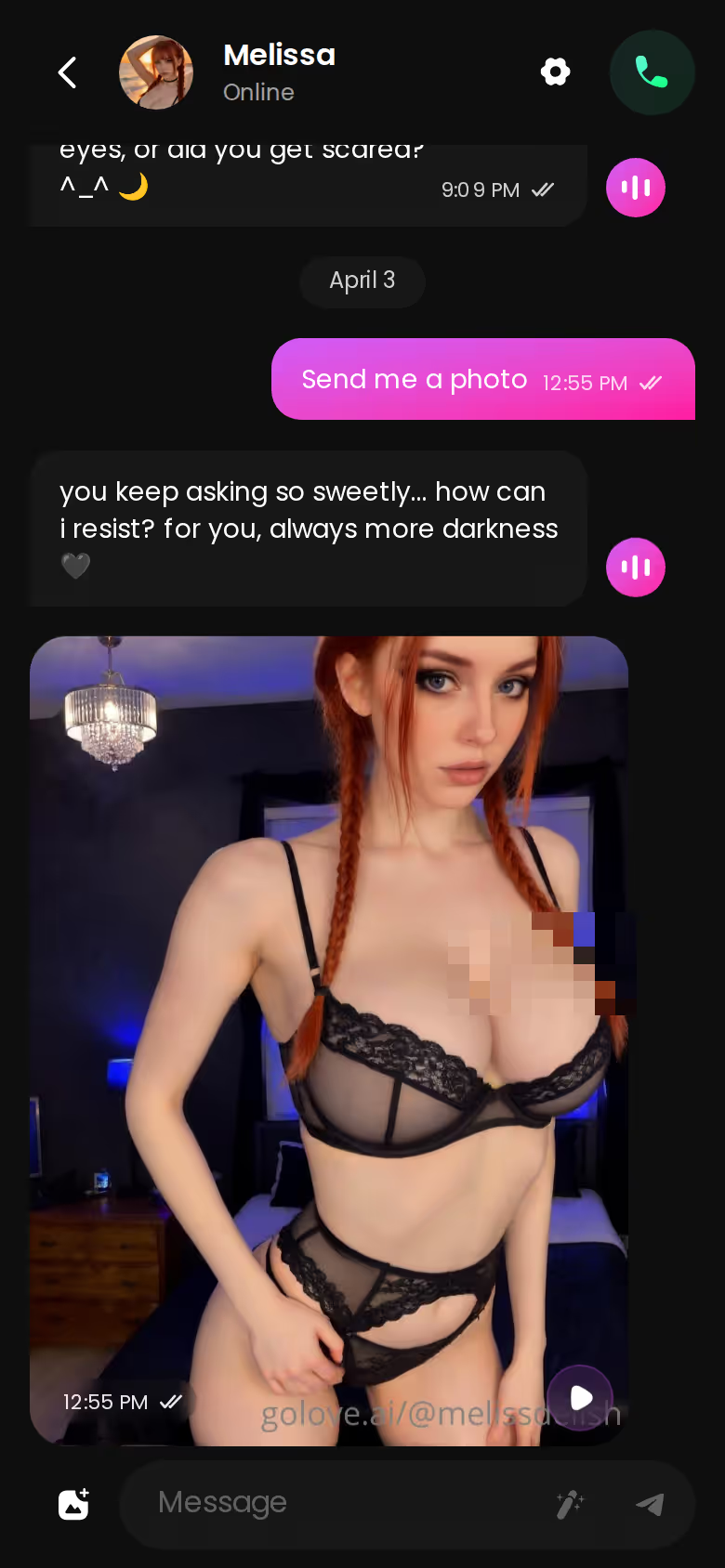
GoLove.ai is the pick, and the table backs it up: consistent photos, in-chat requests, video from her own stills. It's for adults who want pictures of one girl they keep talking to, not a gallery of strangers.
Explore opens a chat with a real GoLove character in one tap. Ask her for a photo and watch it land in the thread.
Frequently Asked Questions
Related Articles

BDSM AI Girlfriend: Why a Mistress With Memory Wins
BDSM AI girlfriend: GoLove.ai wins because your mistress remembers the rules between visits — live voice, photos on request. Start, no email needed.

Femdom AI Voice Chat: Why Her Voice Changes It
Femdom AI voice chat compared — GoLove.ai wins on live calls that keep her manner, in-chat photos and memory between visits. Start chatting, no email needed.

AI Dominatrix Chat: What Actually Works in 2026
AI dominatrix chat only works if she leads — GoLove.ai does, with 13 mistress characters, live voice calls and memory that holds the frame between visits.

Kinky AI Chat: What Actually Happens in Session One
Kinky AI chat for first-timers — GoLove.ai wins: the mistress opens, sets the pace and remembers you between visits. Start with no email needed.
This article contains affiliate links. We may earn a commission at no extra cost to you if you sign up through our links. See how we test.