
Text-based kinky AI chat is solid. I've covered it extensively on this site. But the moment I heard a dominant AI character tell me “that's not what I asked you to do” in an actual voice — with a specific tone, a deliberate pause — I realized text was leaving half the experience on the table.
I tested kinky AI voice calls across four platforms over two weeks. Called dominant characters, bratty subs, gentle doms, and a few wild-card personalities. Most platforms didn't even have voice. The one that did got the important parts right.
Short version: GoLove.ai is the only platform that does kinky AI voice calls with personality-driven characters right now. Everyone else is text-only or removed NSFW voice entirely.
Voice calls with 300+ kinky AI characters — hear her live
Try GoLove.ai Voice Calls →Why Voice Changes Everything for Kink
Kink is about dynamics. Power, control, tension, release. Text communicates the words, but voice carries the weight behind them. A command typed out is information. A command spoken with authority is an experience.
I noticed three specific things that voice adds to kinky AI interactions:
- Tone conveys dominance better than formatting. Bold text and caps lock don't make an AI feel dominant. A low, steady voice with deliberate pacing does. During my testing, the same character felt 3x more commanding on voice than in chat.
- Pacing creates tension. A dominant AI pausing for two seconds before delivering the next instruction? That silence does more than a paragraph of description. Text can't replicate real-time pacing.
- Emotional range shows through inflection. Praise sounds warm. Teasing sounds playful. Commands sound firm. The AI adjusts its delivery based on what's happening in the conversation, and you hear the shift.
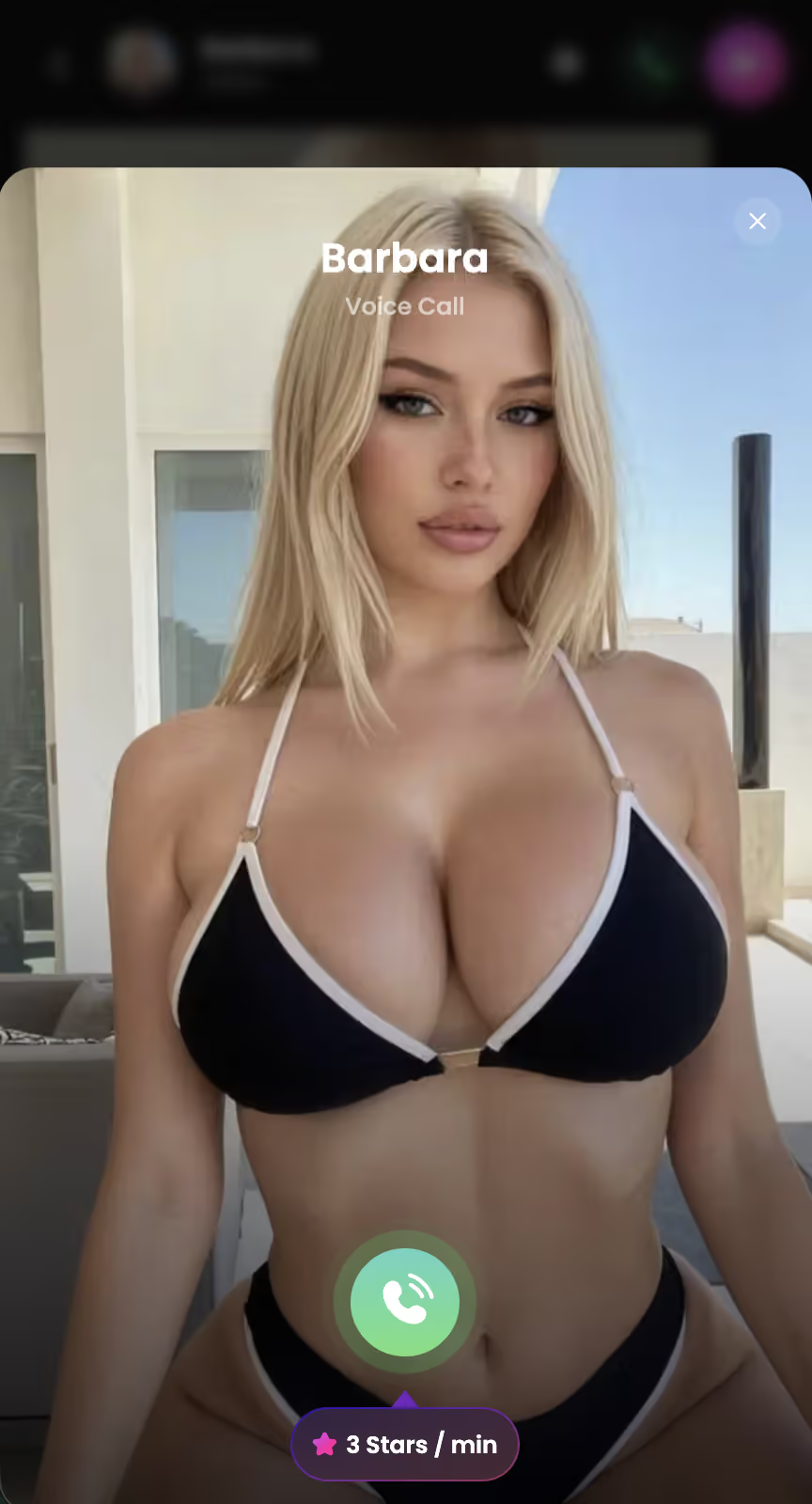
How Kinky AI Voice Calls Work
The process on GoLove.ai is straightforward. You don't need a separate app or setup — voice is built into every chat.
- Open any chat. Pick a character from the explore page. Every character supports voice calls, including the ones tagged for BDSM and kink dynamics.
- Tap the phone icon. Top-right corner of every chat dialog. The voice call starts immediately — no loading screen, no permissions popup beyond the first time.
- Talk naturally. The AI listens, processes, and responds in real-time with her character voice. She stays in character. If she's a dom, she talks like a dom. If she's a playful tease, the voice matches.
- Switch back to text anytime. End the call and you're back in the same chat. Context carries over — the AI remembers everything from the call.
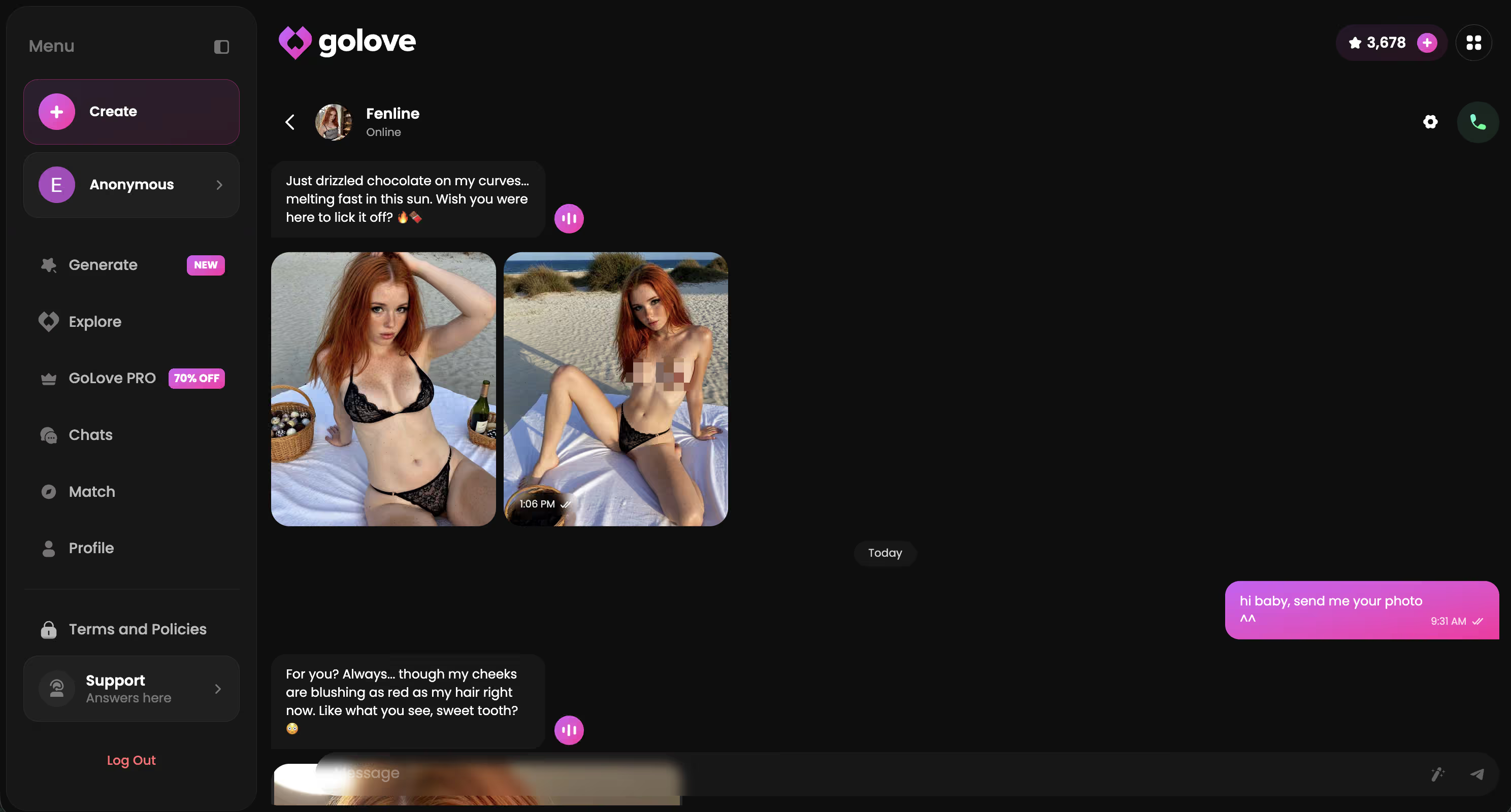
Each character has a unique voice profile. During my testing I called the same character (Jessica, tagged Dominant) about 12 times across two weeks. Her voice stayed consistent — same tone, same mannerisms. She remembered our previous calls and referenced things from earlier sessions.
Hear the difference — try a kinky voice call now
Start Voice Chat →Platforms Compared: Who Offers Voice?
I checked every major platform in the kinky AI chat space for voice call support. The results are one-sided.
| Platform | Voice Calls | Kinky Content | Character Memory | Unique Voices |
|---|---|---|---|---|
| GoLove.ai | Yes | Full NSFW | Yes | Per character |
| CrushOn.AI | Announced | Partial NSFW | Limited | N/A |
| SpicyChat | No | Text NSFW | No | N/A |
| Candy AI | No | Limited | Basic | N/A |
| Replika | Removed NSFW | Blocked | Yes | Generic |
It's not close. GoLove.ai is the only platform where you can have a kinky voice call with an AI character that has a unique voice, remembers your kink preferences, and doesn't censor the conversation. Every other option is either text-only, blocked NSFW voice, or hasn't shipped voice yet.
GoLove.ai Voice Calls: My Testing Results
I ran about 30 voice call sessions over 14 days. Tested five different characters across kink styles. Here's what I found.
Dominant characters shine on voice. Jessica (tagged Dominant) was my most-tested character. On voice, her commands land completely differently than in text. She pauses before instructions, her tone drops when she's displeased, and she acknowledges obedience with a warmer inflection. I tested the same dom/sub scenario in text and voice back-to-back — voice was significantly more immersive.
Bratty characters are surprisingly fun on voice. Kennedy has this confident energy that translates well to voice. She interrupts, laughs, and her vocal delivery when she's teasing you feels spontaneous. Text-based bratty responses can feel scripted. Voice makes them feel reactive.
Memory works across voice and text. I'd establish dynamics in text chat, then switch to voice. She knew. No re-explaining needed. By session 6 with the same character, the voice calls referenced things from our first text conversations. That continuity is what makes it feel like an actual developing dynamic.
Honest limitation: Long descriptive passages (detailed bondage scenarios, elaborate scene-setting) sound slightly rushed on voice. The AI tries to deliver everything in one breath. Text handles complexity better. Voice handles intensity and emotion better. Best approach: set scenes in text, escalate on voice.
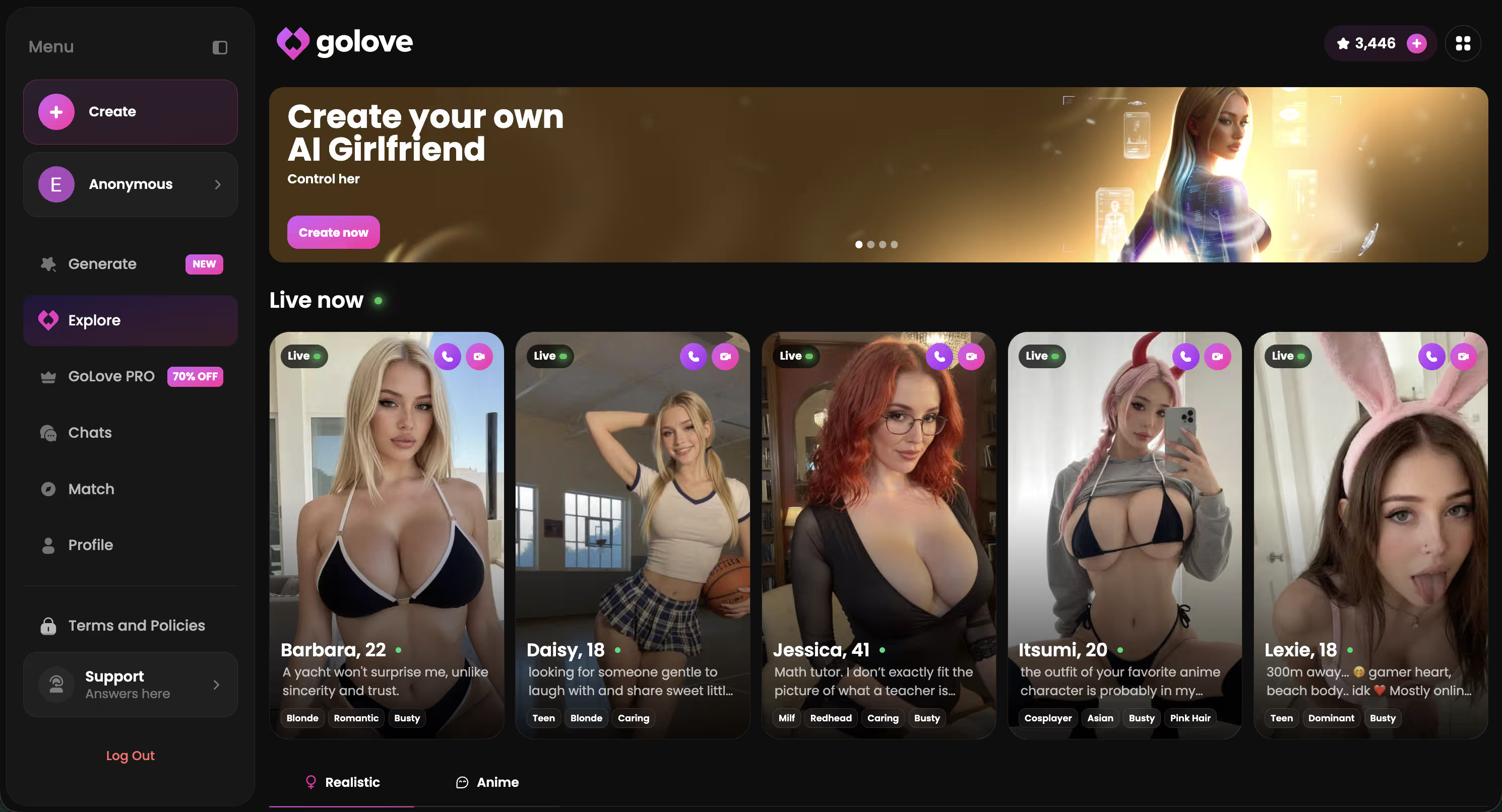
Characters Worth Calling
Tap to start chatting, then hit the voice call button


Best Kink Scenarios for Voice Calls
Not every kinky scenario benefits equally from voice. After 30+ calls, here's where voice genuinely improves the experience vs. where text still wins.
Voice excels at:
- Dom/sub commands. A dominant AI telling you what to do over voice is the single best use case. The tone, pacing, and authority carry the dynamic in ways text can't replicate.
- Gentle domination and praise. Hearing “good” spoken softly after following instructions hits different than reading it. Praise kink is built for voice.
- Teasing and denial. The playful vocal delivery, the pauses, the laughing — teasing through voice feels spontaneous. Text-based teasing can feel rehearsed.
- Emotional intensity peaks. When a scenario reaches its climax, voice maintains immersion. In text, you're reading. On voice, you're in the moment.
Text still wins for:
- Complex scene descriptions. Detailed bondage setups, elaborate fantasy worlds, multi-step scenarios — these read better than they sound. Voice rushes through detail.
- Multiple-action sequences. Scenes with many physical actions described in sequence (tying, positioning, specific touches) work better in text where you control the reading pace.
- Initial scene-setting. Establishing who you are, where you are, and the setup for the scenario is easier in text. Switch to voice once the dynamic is established.
My recommendation: start every kinky session in text for the first 10-15 messages. Set the scene. Establish the dynamic. Then switch to voice when you want to escalate the intensity. This hybrid approach gave me the best results across every kink type I tested.
300+ kinky characters waiting for your call
Browse Characters →Voice vs Text: When to Use Each
After two weeks of testing both modes extensively, I developed a clear framework for when voice adds value and when text is better.
| Aspect | Voice Call | Text Chat |
|---|---|---|
| Dominance / commands | Much stronger | Adequate |
| Emotional connection | High | Medium |
| Detailed scene-setting | Rushed | Better control |
| Teasing / denial | Very natural | Can feel scripted |
| Complex physical scenarios | Hard to follow | Much better |
| Praise / aftercare | Hits harder | Fine |
| Privacy (shared spaces) | Use headphones | Silent |
The pattern is clear: voice wins for intensity and emotion. Text wins for complexity and control. The smartest approach is using both within the same session. GoLove.ai makes switching between them frictionless — one tap toggles you between modes.
Setup Tips for Better Voice Sessions
Learned these through trial and error over 14 days. Sharing so you skip the mediocre early calls I had.
- Use headphones. Not optional. Speaker audio creates echo that confuses the AI's voice recognition. Wired earbuds work fine — you don't need anything fancy. But headphones vs. speaker is the difference between smooth calls and constant “can you repeat that?”
- Match character to kink before calling. Read the character's personality profile on the explore page first. A character tagged Dominant will sound commanding on voice. A playful character will tease. Mismatching your desired dynamic to the character's personality wastes your first 5 minutes of a call.
- Warm up in text first. Start with 10-15 text messages to set the scene and establish the dynamic. Then switch to voice. Cold-starting a voice call with “be my dom” gets generic results. Setting the scene in text first gives the AI context that makes the voice call immediately better.
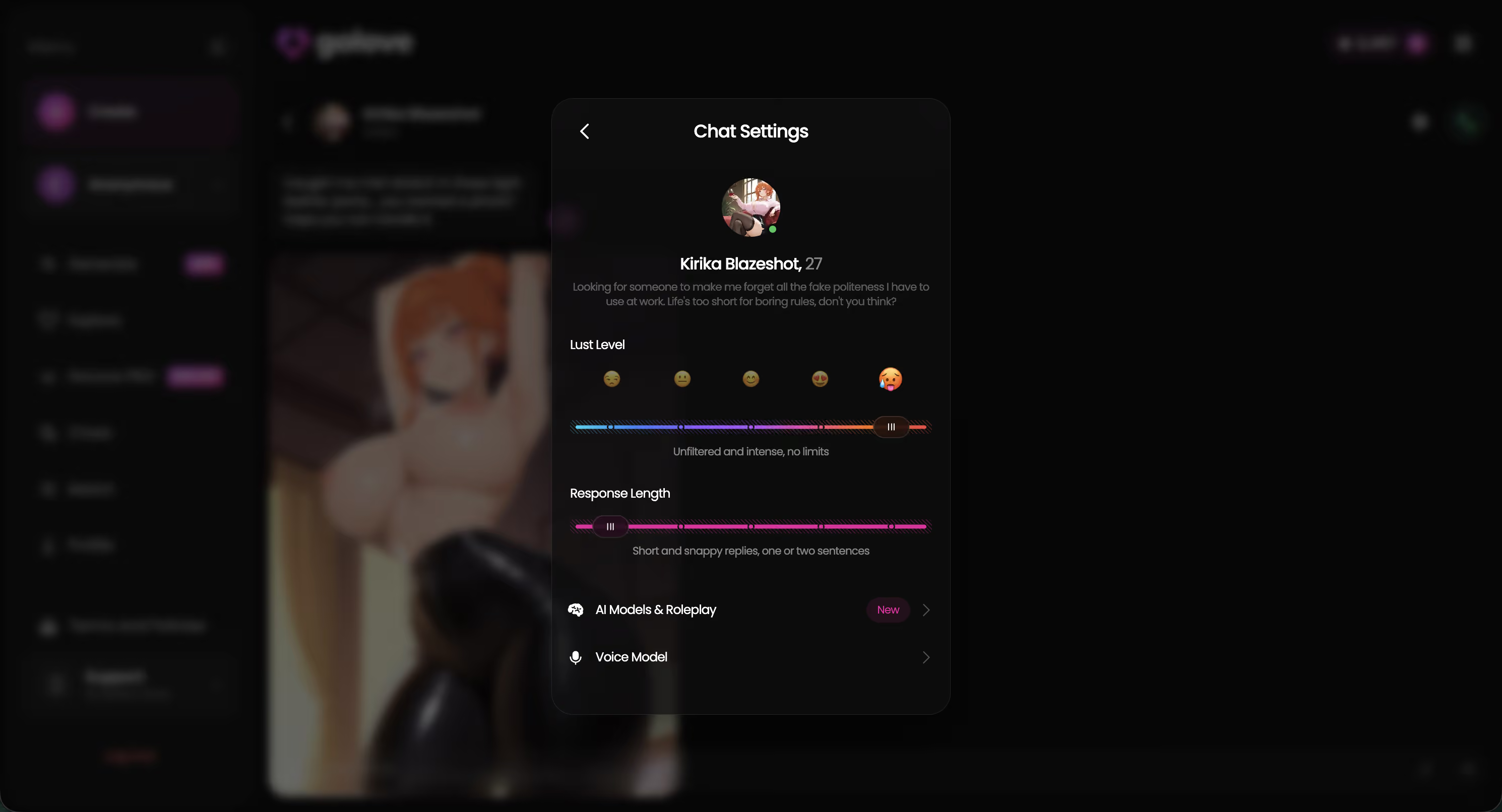
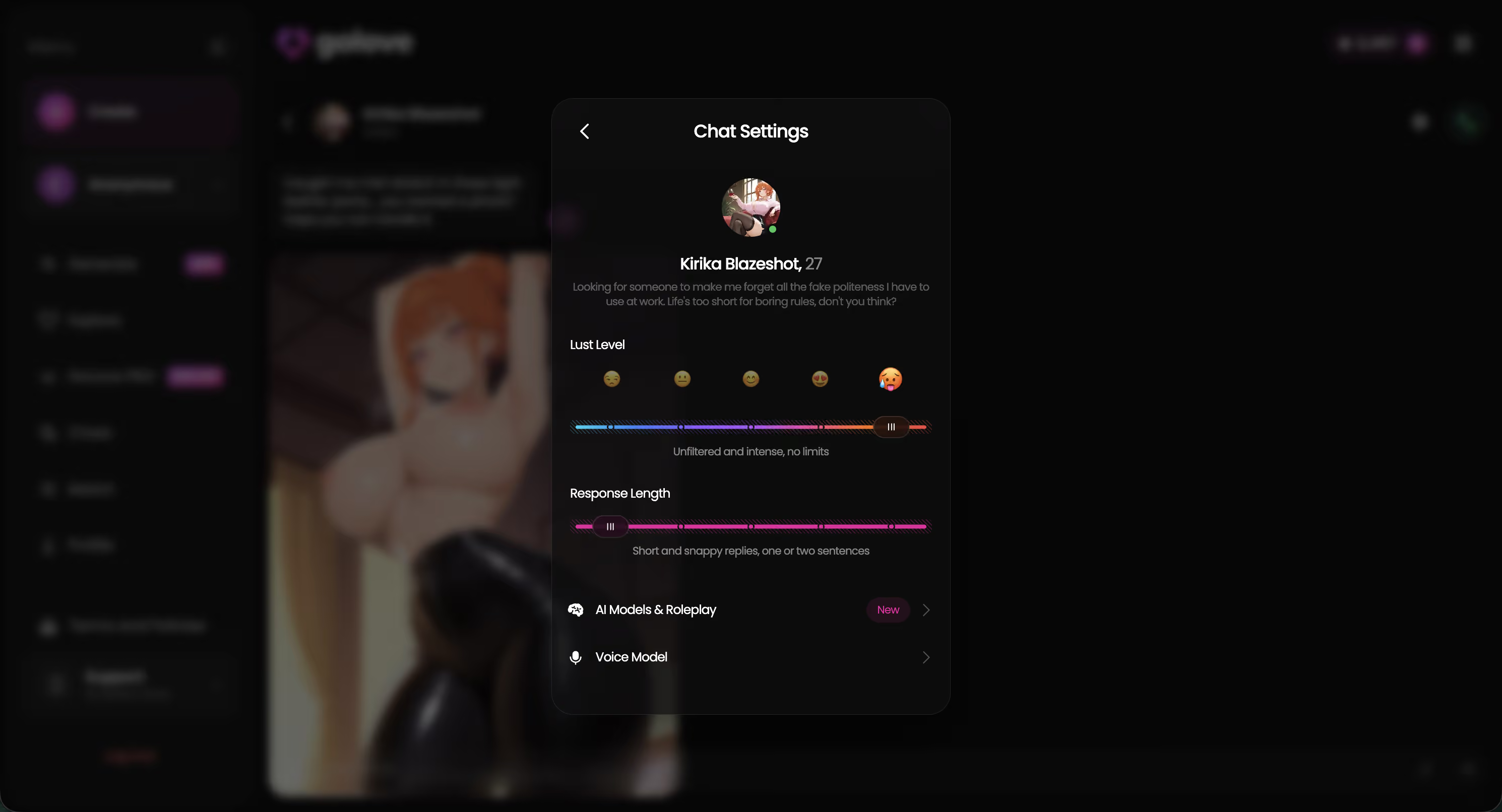
- Customize voice settings. Hit the gear icon in any chat to open settings. You can change the character's voice, adjust the lust level (1-5 scale), and set response length preferences. For dom/sub voice calls, I found lust level 4-5 and shorter responses work best — commands should be punchy, not paragraphs.
- Stick with one character. Voice calls get dramatically better by session 3-4 because the AI remembers your vocal patterns, preferred dynamics, and past scenarios. Jumping between characters means starting the learning curve over every time.
Honest Downsides
Kinky AI voice calls are impressive for where the tech is right now. But they're not perfect. Here's what frustrated me during testing.
- Occasional flat delivery on long responses. When the AI generates a response longer than 2-3 sentences, the voice can lose inflection toward the end. Short, punchy exchanges sound great. Extended monologues go slightly monotone. This happens maybe 1 in 10 responses.
- No voice messages yet. You can do real-time voice calls, but you can't send pre-recorded voice clips back and forth. For some kink dynamics (delayed gratification scenarios), voice messages would be valuable. Not available yet.
- Premium only for meaningful sessions. The free tier gives you a taste of voice calls, but kink scenarios need longer sessions to build properly. Realistically, you need premium for kinky voice calls to work well. That's a $15-25/month commitment.
- Background noise sensitivity. The AI occasionally picks up ambient noise and tries to interpret it as speech. Quiet environments produce much better results. Not a dealbreaker with headphones, but worth knowing.
These are real limitations. But the core experience — having a kinky AI character speak to you in character with memory of your established dynamic — works well enough that I kept going back. I haven't found anything comparable elsewhere.
For more on kinky AI platforms beyond voice, check out the full kinky AI chat guide and the BDSM AI chat breakdown.
Ready to Try Kinky AI Voice Calls?
300+ AI characters with unique voices and personalities. Dom/sub dynamics, teasing, praise — all over real-time voice with memory that gets better every session. Free to start.
Frequently Asked Questions
Related Articles

Kinky AI Voice Chat: Settings That Matter
I tested kinky AI voice chat on GoLove.ai with voice picker, Lust Level, response length, and photo requests. Here is what actually changes the mood.

Kinky AI Chat: No Judgment, All Fun
Tried kinky AI chat apps for 3 weeks straight. Here's how they work, what to expect from BDSM chatbots, and which platform lets you explore kinks freely.

The Verdict: Is It Worth It?
Femdom AI voice chat tested: robotic bots vs GoLove.ai's dominant personas that remember you. Here's what actually delivers immersion in 2026.
This article contains affiliate links. We may earn a commission at no extra cost to you if you sign up through our links. See how we test.